
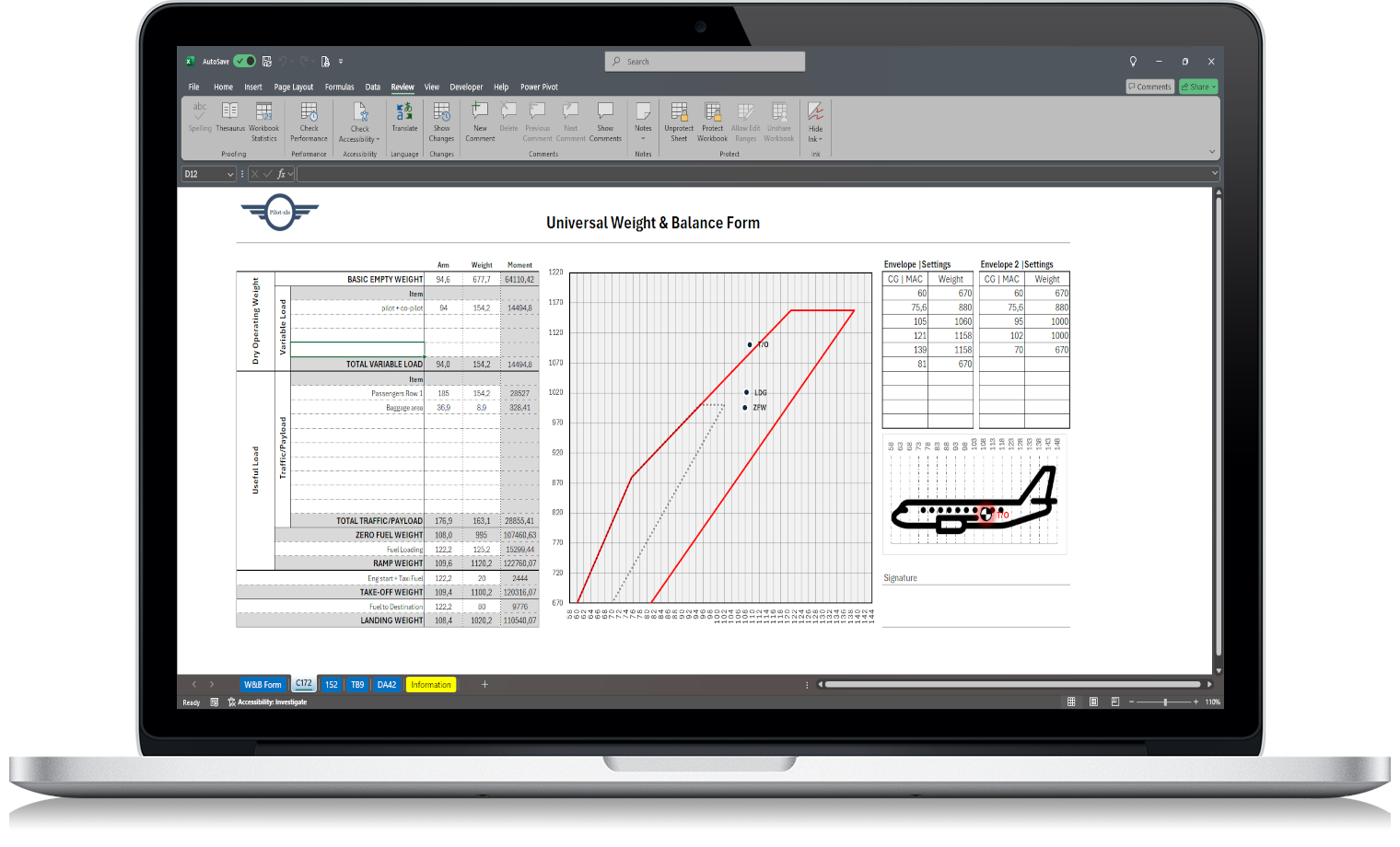
Accurate Weight and Balance calculations are essential for every safe flight. A small mistake in your weight calculations can affect aircraft performance, fuel burn, handling, and — in the worst cases — compromise flight safety.
This guide explains everything you need to know about mass and balance, how to use a weight and balance calculator, how to complete a weight and balance form, and how to make the entire process faster, simpler and error-free.
At the end of this article, you’ll find a professional Excel Weight & Balance tool designed to streamline your pre-flight workflow.
What Is Weight and Balance?
Weight and Balance refers to calculating both the total aircraft weight and how that weight is distributed along the longitudinal axis. This determines the Centre of Gravity (CG), a critical factor for safe aircraft handling.
A CG outside approved limits can:
- reduce aircraft controllability,
- increase takeoff and landing distances,
- impact climb performance,
- create stability issues,
- lead to unsafe flight conditions.
Because of this, Weight and Balance must be checked before every flight, regardless of aircraft type.
Mass and Balance vs Weight and Balance
In Europe, aviation often uses the term Mass and Balance.
In the US and many other regions, you’ll hear Weight & Balance.
Operationally, both terms refer to the same process:
ensuring the aircraft remains within approved weight limits and CG boundaries.
Why Accurate Weight Calculations Matter
Every safe flight depends on verifying:
- Total aircraft weight is within MTOW and MLW
- CG is within the approved envelope
- Load distribution is correct across all compartments
Incorrect calculations may lead to:
- tail-heavy or nose-heavy aircraft,
- reduced climb performance,
- longer runway requirements,
- structural stress,
- or even loss of control.
Weight & Balance is not paperwork — it is a safety procedure.
What a Proper Weight and Balance Form Should Include
A complete weight and balance form typically contains:
- Basic Empty Weight (BEW)
- Crew and passengers
- Fuel (taxi, block, trip)
- Baggage and cargo compartments
- Arms and moments
- Total weight
- CG calculation
- CG envelope verification
- A final sign-off for documentation
If your form is slow to fill, confusing, or error-prone, you are adding unnecessary workload to your pre-flight routine.
How to Use a Weight and Balance Calculator
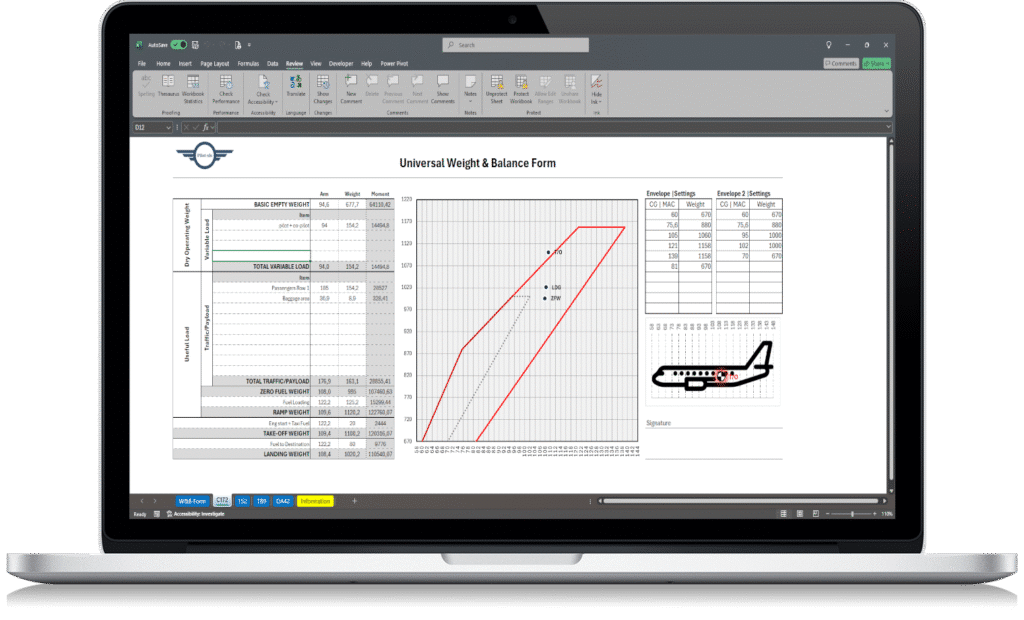
A good weight and balance calculator should allow you to:
- enter passengers, baggage and fuel quickly,
- convert units automatically (kg ↔ lbs, litres ↔ USG ↔ kg),
- calculate CG instantly,
- check CG limits in real time,
- export a printable form for flight records.
Most online calculators are outdated or too generic, which leads many pilots to switch to customised digital tools.
Step-by-Step: How to Calculate Weight and Balance
1. Start with the Basic Empty Weight
Use the BEW and its associated moment.
2. Add crew and passengers
Each position has its own arm.
Weight × Arm = Moment.
3. Add baggage and cargo
Enter each compartment separately.
4. Add fuel
Don’t forget taxi fuel.
Convert litres or USG to kg when needed.
5. Calculate the totals
CG=Total MomentTotal WeightCG = \frac{\text{Total Moment}}{\text{Total Weight}}CG=Total WeightTotal Moment
6. Check the CG envelope
If the CG falls outside the permitted area, adjust the load immediately.
Never dispatch with an out-of-limits CG.
Common Mistakes Pilots Make
- Using outdated passenger standard weights
- Incorrect fuel unit conversions
- Forgetting to recalculate after a last-minute change
- Misreading the CG envelope
- Filling forms manually in a hurry
- Using templates not designed for their aircraft
Most of these issues disappear when using a structured digital tool.
The Excel Weight & Balance Tool That Pilots Trust
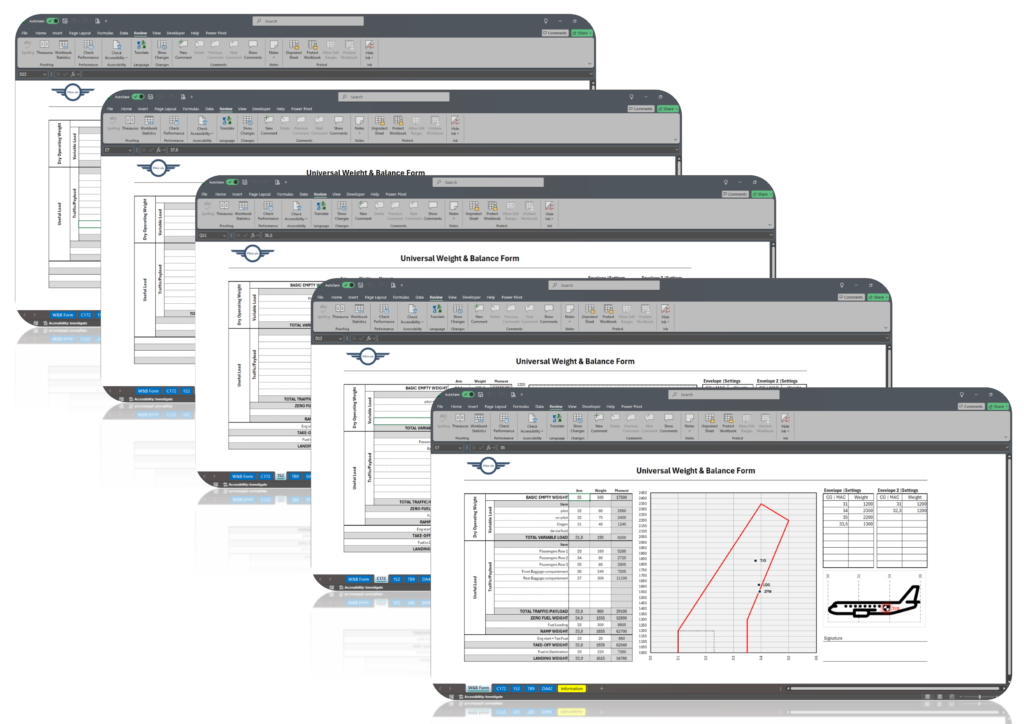
If you want a tool that:
- calculates Weight & Balance instantly,
- checks the CG envelope automatically,
- converts all fuel and weight units for you,
- produces a clean and professional weight and balance form,
- reduces human error,
- and works perfectly on Windows, Mac or iPad…
Then you don’t need to build one yourself.
You can download the full Excel tool here:
👉 https://pilot-xls.com/product/weight_balance_form/
This Weight & Balance spreadsheet is designed for real cockpit use, offering:
- accurate aviation-grade formulas,
- instant CG and limits validation,
- automatic moment calculations,
- fuel unit converter (kg, lbs, litres, USG),
- editable aircraft data,
- printable PDF output,
- a simple and fast workflow.
Whether you’re a student pilot, private pilot, instructor or commercial operator, this tool removes the stress of manual calculations.
Who Is This Tool For?
✔ Student pilots
✔ Private pilots
✔ Flight schools
✔ Instructors
✔ Charter and commercial operators
✔ Anyone who wants faster and safer pre-flight preparation
If accuracy and efficiency matter to you, this tool will transform your routine.
Ready to Simplify Your Weight & Balance?
Stop wasting time with outdated forms and calculators that don’t fit your aircraft.
Get your professional, ready-to-use Excel Weight & Balance tool here:
👉 https://pilot-xls.com/product/weight_balance_form/
Make every flight safer, faster and worry-free.