Keeping a pilot logbook is not just an administrative habit. For pilots under EASA rules, it is part of how flight experience is recorded, checked and used throughout a flying career.
Whether you are a student pilot, private pilot, commercial pilot or instructor, your logbook becomes the place where your flying history is built. It helps you prove experience, track progress, prepare applications and keep your flight time organised.
But many pilots only realise how important a clean logbook is when they need to calculate totals for a licence, rating, renewal, CV or job application.
This guide explains what an EASA pilot logbook should include, how FCL.050 relates to flight time recording, and how using a structured Excel logbook can make the process easier.
What is EASA FCL.050?
EASA FCL.050 is the part of the EASA flight crew licensing rules that deals with recording flight time. In simple terms, it requires pilots to record details of the flights they have flown.
EASA’s Easy Access Rules state that FCL.050 requires holders of a pilot licence to record details of all flights flown. The related AMC material also explains that a pilot logbook should help licence holders record flying experience in a way that provides a permanent record.
This is why your logbook should not be treated as an afterthought. It is your personal flying record.
What information should an EASA pilot logbook include?
A good EASA pilot logbook should make it easy to record the details that matter for flight time tracking.
At a practical level, you should be able to record information such as:
- date of flight;
- departure and arrival aerodromes;
- aircraft type;
- aircraft registration;
- pilot function;
- total flight time;
- PIC time;
- co-pilot time;
- dual time;
- instructor time, when relevant;
- night time;
- IFR time;
- remarks or notes.
The latest EASA AMC material for FCL.050 lists pilot function details such as PIC, solo, SPIC, PICUS, co-pilot, cruise-relief co-pilot, dual, FI and FE as examples of information connected with recording flight time.
Your exact needs may depend on your licence, ratings, aircraft category, school, operator or national authority. That is why it is important to keep your records clear and consistent from the beginning.
Why accurate flight time records matter
A pilot logbook is useful every time someone asks: “How much experience do you have?”
That question can come from a flight school, examiner, aviation authority, employer, insurance provider or operator.
A well-kept logbook helps you answer questions such as:
- How many total hours do I have?
- How much PIC time do I have?
- How many hours do I have on a specific aircraft type?
- How much night time have I logged?
- How much IFR time do I have?
- How many hours have I flown in the last 90 days?
- What experience can I list on my pilot CV?
- What totals do I need for a job application?
If your records are incomplete or spread across different tools, answering these questions becomes slow and frustrating.
This is especially common when pilots move from a paper logbook to digital records later in their career. The earlier you organise your flight data properly, the easier it becomes to maintain.
Paper logbook vs digital logbook
A paper logbook is simple, familiar and accepted in many contexts. It is also easy to carry and does not depend on software.
But it has limitations.
Calculating totals manually can take time. Searching for flights on a specific aircraft can be slow. Preparing numbers for a CV or job application often means going through pages and pages of entries.
Digital logbooks solve some of these problems, but many are built around subscription platforms. That can be useful for some pilots, but it also creates a dependency: your records are inside another system, and continued access may depend on an active account or subscription.
This is where an Excel logbook can be a practical middle ground.
You get a digital structure, searchable records and automatic totals, while keeping your data in your own file.
Why use Excel for your EASA pilot logbook?
Excel is not the most complex solution. That is exactly why it works well for many pilots.
A structured Excel pilot logbook gives you:
- one file for your flight records;
- direct access to your data;
- no recurring subscription;
- easy filtering and sorting;
- automatic totals;
- a format many people already understand;
- the ability to keep local and cloud backups;
- more control over your own flight history.
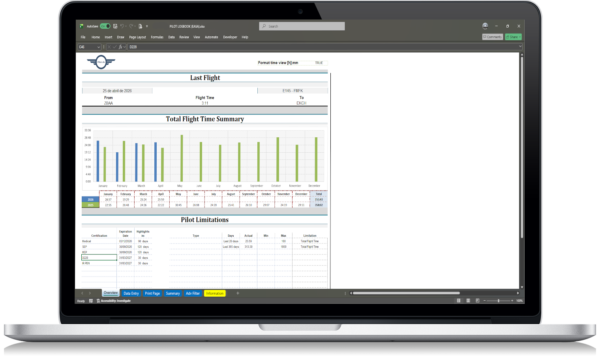
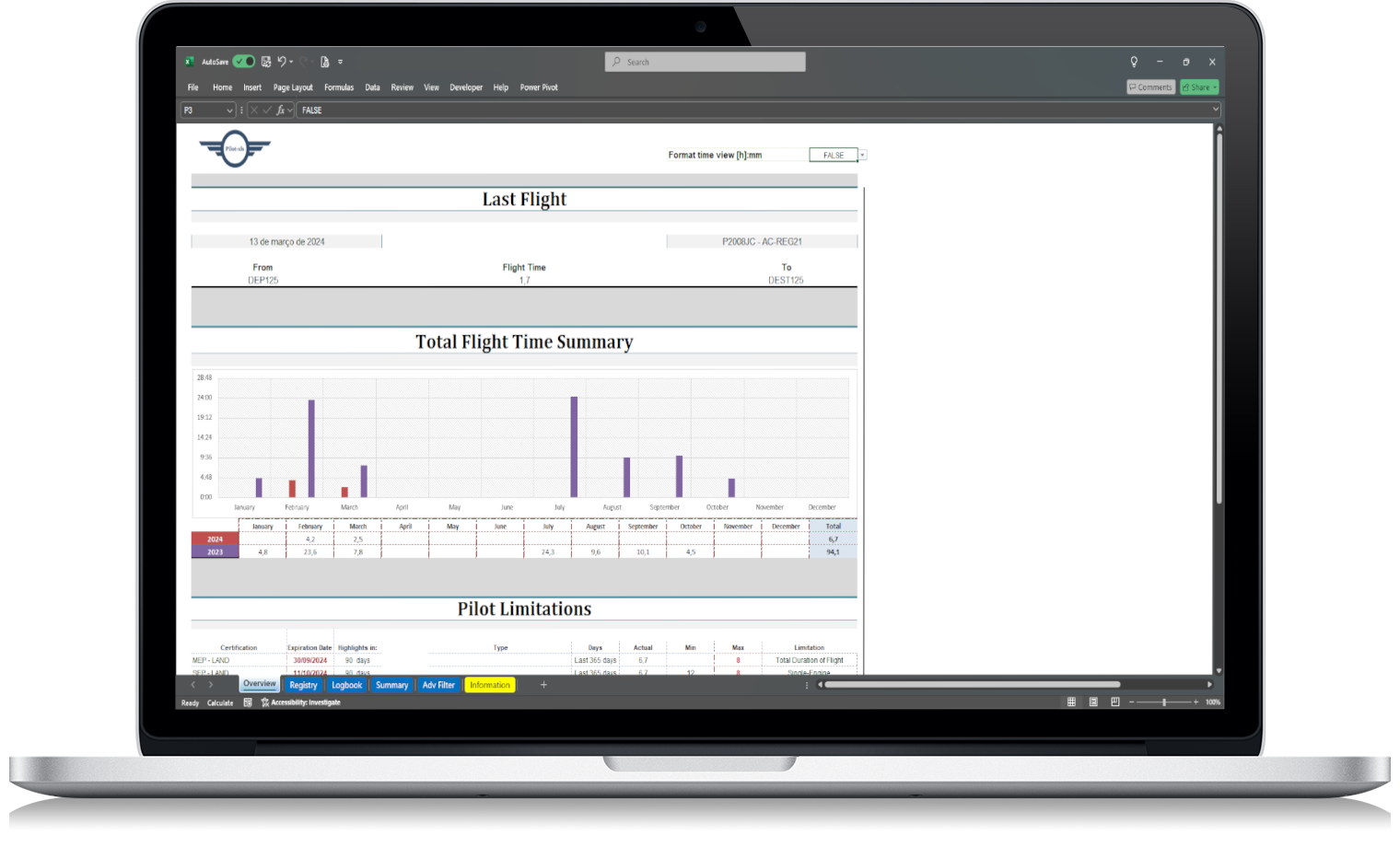
For pilots who prefer a simple file they can keep, edit and back up themselves, an EASA pilot logbook Excel template can be a practical way to manage flight records without depending on subscription-based software.
EASA pilot logbook Excel template
How to keep your logbook organised
The most important habit is consistency.
Use the same format for aircraft types, registrations, airports and remarks. Avoid writing the same aircraft type in several different ways. For example, if you use “A320” in one entry and “Airbus 320” in another, your totals and filters may become less clean.
A simple structure helps a lot.
Use clear columns for each type of information. Keep flight entries in date order. Add remarks when they matter. Review your totals regularly instead of waiting until you need them urgently.
A good routine could look like this:
- Add each flight shortly after completion.
- Check that the date, aircraft type and registration are correct.
- Record your pilot function accurately.
- Add night, IFR or other relevant time where applicable.
- Use remarks for details that may matter later.
- Back up the file regularly.
This does not need to be complicated. It just needs to be consistent.
Common mistakes pilots make with logbooks
One common mistake is waiting too long before updating the logbook. After a few weeks, details become harder to remember.
Another mistake is keeping records in too many places: paper notes, phone notes, apps, emails, screenshots and spreadsheets. That makes totals harder to trust.
Pilots also often forget to keep backups. If your logbook is digital, you should have at least one backup outside your main device.
There is also a wording mistake to avoid: do not assume that every Excel or digital logbook is automatically “EASA approved” or “EASA certified”. Unless there is a formal approval, safer wording is that the logbook is designed to help pilots keep structured records in line with EASA FCL.050-style requirements.
That distinction matters.
When an Excel logbook is especially useful
An Excel pilot logbook is particularly useful if you want to:
- avoid monthly or yearly subscription fees;
- keep your records in your own file;
- calculate flight totals more quickly;
- prepare your pilot CV;
- complete airline or operator application forms;
- track hours on specific aircraft types;
- check recent experience;
- keep a digital backup of your paper logbook;
- maintain a simple and focused record system.
It is not about replacing every possible aviation software feature. It is about solving the main problem: keeping flight records organised, accessible and under your control.
Final checklist for EASA pilots
Before relying on any logbook system, make sure it helps you record the information you actually need.
A practical EASA pilot logbook should let you track:
- flight date;
- departure and arrival;
- aircraft type and registration;
- total flight time;
- pilot role;
- PIC/co-pilot/dual/instructor time, where relevant;
- night and IFR time, where relevant;
- remarks;
- totals by category;
- totals by aircraft type;
- records needed for CVs, applications and licence progression.
It should also be easy to update, easy to back up and easy to review.
Your logbook is more than a list of flights. It is the record of your flying experience. Keeping it organised from the start saves time later, especially when you need accurate numbers quickly.